The Artima Developer Community
Sponsored Link

Java Buzz Forum
Java Tutorial : Java IO (Java File - How to set the file permission)

0 replies on 1 page.

Welcome Guest
  Sign In

Go back to the topic listing  Back to Topic List Click to reply to this topic  Reply to this Topic Click to search messages in this forum  Search Forum Click for a threaded view of the topic  Threaded View   
Previous Topic   Next Topic
Flat View: This topic has 0 replies on 1 page
Ram N

Posts: 2777
Nickname: ramram
Registered: Jul, 2014

Ram N is Java Programmer
Java Tutorial : Java IO (Java File - How to set the file permission) Posted: Nov 28, 2016 6:50 AM
Reply to this message Reply

This post originated from an RSS feed registered with Java Buzz by Ram N.
Original Post: Java Tutorial : Java IO (Java File - How to set the file permission)
Feed Title: JAVA EE
Feed URL: http://ramj2ee.blogspot.com/feeds/posts/default?alt=rss
Feed Description: This blog has viedo tutorials and Sample codes related to below Technologies. 1.J2EE 2.Java 3.Spring 4.Hibernate 5.Database 6.Oracle 7.Mysql 8.Design Patterns
Latest Java Buzz Posts
Latest Java Buzz Posts by Ram N
Latest Posts From JAVA EE

Advertisement

Click here to watch in Youtube :
https://www.youtube.com/watch?v=VuGAiQVhr2Q&list=UUhwKlOVR041tngjerWxVccw

Click the below Image to Enlarge
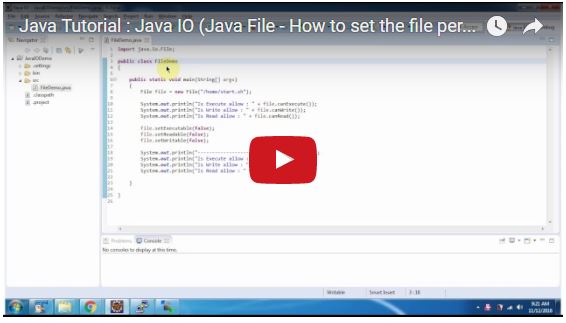
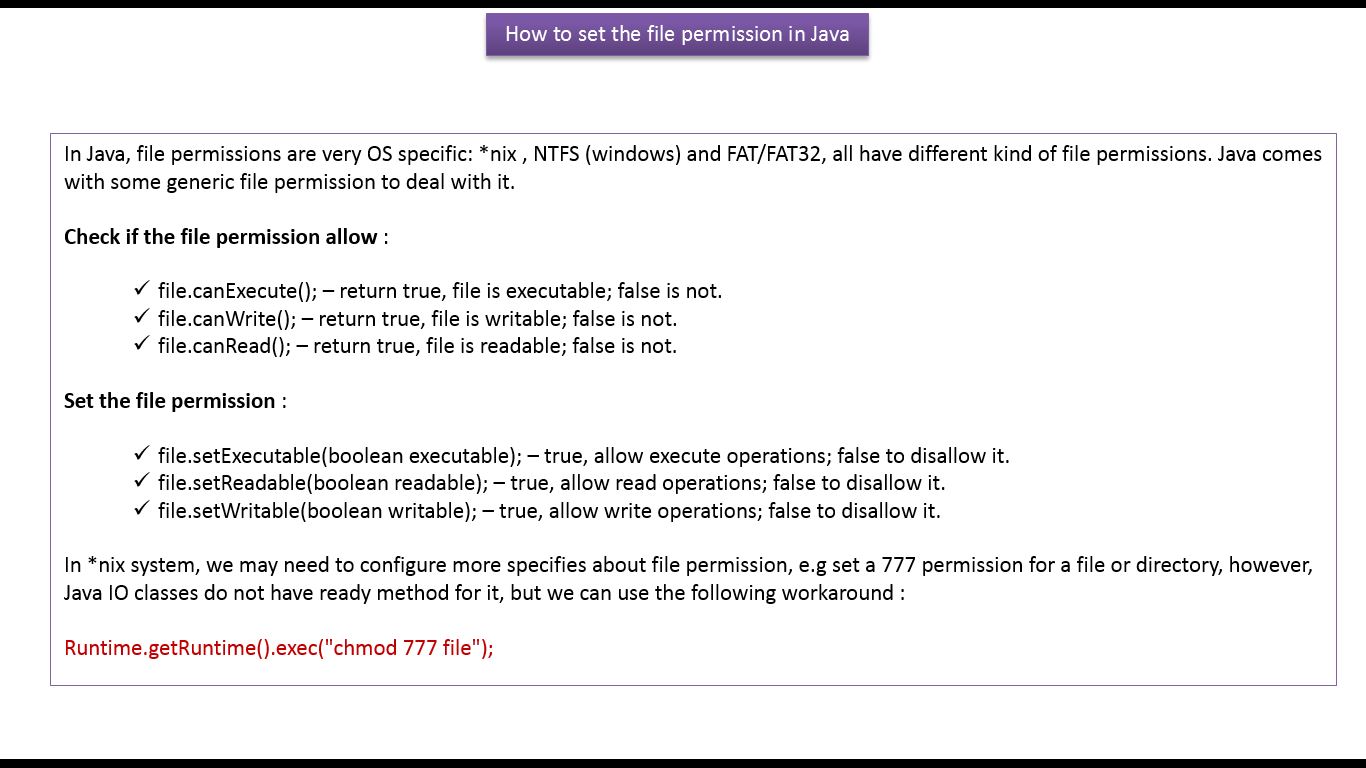
Java Tutorial : Java IO (Java File - How to set the file permission) 
FileDemo.java
import java.io.File;

public class FileDemo
{

public static void main(String[] args)
{
File file = new File("/home/start.sh");

System.out.println("Is Execute allow : " + file.canExecute());
System.out.println("Is Write allow : " + file.canWrite());
System.out.println("Is Read allow : " + file.canRead());

file.setExecutable(false);
file.setReadable(false);
file.setWritable(false);

System.out.println("----------------------------------------");
System.out.println("Is Execute allow : " + file.canExecute());
System.out.println("Is Write allow : " + file.canWrite());
System.out.println("Is Read allow : " + file.canRead());

}

}
FileDemo1.java
import java.io.File;

public class FileDemo1
{

public static void main(String[] args)
{
File file = new File("/home/hello.sh");

/*
* Marks the file or directory named by this
* abstract pathname so that only read operations
* are allowed.
*/

file.setReadOnly();

if (file.canWrite())
{
System.out.println("This file is writable");
}
else
{
System.out.println("This file is read only");
}

/*
* A convenience method to set the owner's write
* permission for this abstract pathname.
*/

file.setWritable(true);

if (file.canWrite())
{
System.out.println("This file is writable");
}
else
{
System.out.println("This file is read only");
}

}

}
Click the below link to download the code:
https://sites.google.com/site/ramj2eev1/home/javabasics/JavaIODemo_file_permission_App.zip?attredirects=0&d=1

Github Link:
https://github.com/ramram43210/Java/tree/master/BasicJava/JavaIODemo_file_permission_App/JavaIODemo

Bitbucket Link:
https://bitbucket.org/ramram43210/java/src/5edb9b935a4ef60d2a672d03f038390cd08d4eb7/BasicJava/JavaIODemo_file_permission_App/JavaIODemo/?at=master

See also:
  • All JavaEE Viedos Playlist
  • All JavaEE Viedos
  • All JAVA EE Links
  • Servlets Tutorial
  • All Design Patterns Links
  • JDBC Tutorial
  • Java Collection Framework Tutorial
  • JAVA Tutorial
  • Kids Tutorial
  • Read: Java Tutorial : Java IO (Java File - How to set the file permission)

    Topic: How to get java source files from jar Using Eclipse Previous Topic   Next Topic Topic: 70% off RAVPower Portable Charger 6700mAh (2.4A Output & 2A Input) External Battery Pack iSmart...

    Sponsored Links


    Google
      Web Artima.com   

    Copyright © 1996-2019 Artima, Inc. All Rights Reserved. - Privacy Policy - Terms of Use