This post originated from an RSS feed registered with Agile Buzz
by Martin Fowler.
Original Post: Bliki: VisualChannel
Feed Title: Martin Fowler's Bliki
Feed URL: http://martinfowler.com/feed.atom
Feed Description: A cross between a blog and wiki of my partly-formed ideas on software development
At the end of the 1990's I made a personal push-back against
using slides in presentations, as I was tired by poorly designed
bullet-points presentations. For around a decade, I gave keynotes
with no slides at all. In the last year or so I've started using
slides again - primarily inspired by watching my colleague Neal Ford who turns the dreaded
slide-deck into a genuine enhancement to his talks (and is
collaborating on a book
project to pass on his techniques). As I've been working with
slides again, I've also been thinking about what makes a set of
slides an effective part of a talk. Thee main principle I've tried
to follow is to think of them as a visual channel that complements
the audio channel which is my spoken words. I find that thinking
them of separate channels in this way helps me avoid common problems
with presentations - many of which are rooted in the commonplace
bullet point slides.
Most presentation mavens will tell you to avoid bullet point
slides, but that leaves the question of what should should go
there. When I think of a complimentary visual channel, it makes me
think of what visual elements will match my words. This means
that the visual channel needs to make the same point, but in a
different way.
Saying the same thing differently implies getting away from words
on the slide - or at least words that take much attention to read. That's one reason why bullet point sentences are out. But
I find words can work, providing they are just words not sentences.
The common approach these days for post-bullet-point
presentations is to use photographs. I've derided this by saying
that stock photos are the bullet points of the 21st
century. By this I don't mean that photos are always wrong, but
they often seem to be very unconnected with the speaker's words. I
get the impression of many hours spent crawling the internet for
some photo that tenuously goes with the talk. (And please, if you
use photos, make sure you credit the photographer.)
What I tend to use most is simple diagrams. I try to find some
arrangement of simple graphics (and words) that through their visual
positioning can help to illustrate, and thus better explain, my words.
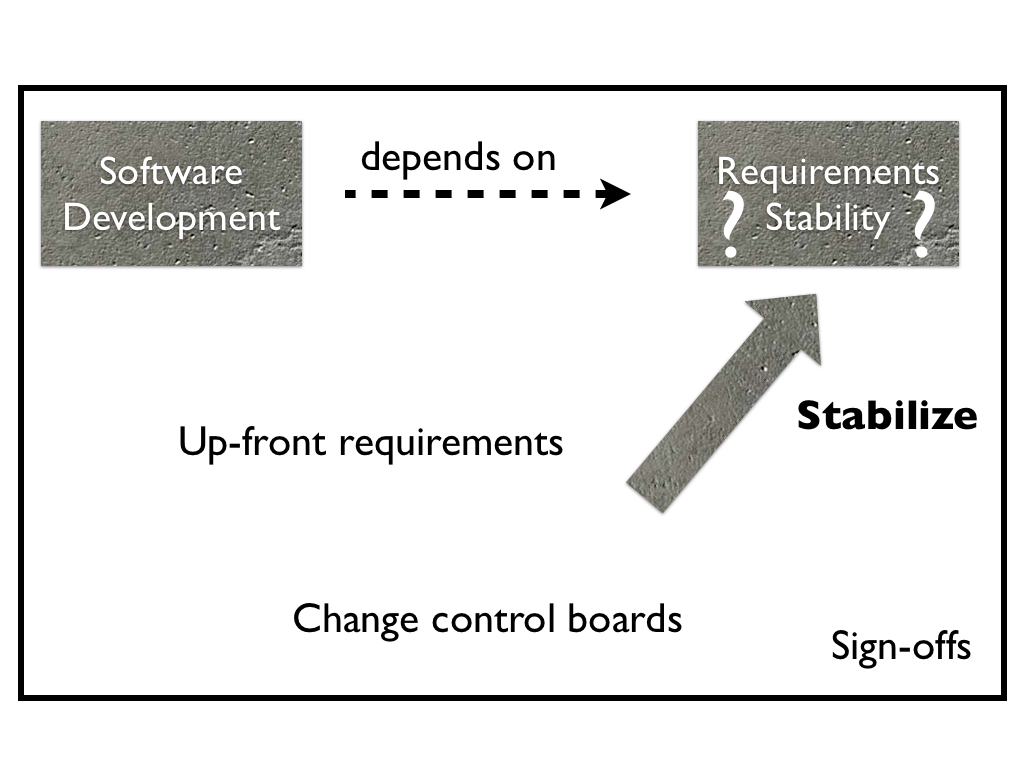
Here's a somewhat random example that I picked from my Essence of
Agile talklet.
At this point in the talk I'm describing the plan-driven approach
to software that the creators of agile were pushing back
against. My actual words that go with slide vary depending on the day
I give the talk, but they hit these points:
(In a plan driven world)
The software development activity depends on having stable requirements
Most of the time, the stability of requirements is questionable
The plan-driven community knows that requirements stability is
hard so explicitly seeks to stabilize them
Stabilization techniques include up-front
requirements, change control boards, and sign-offs
In my talking, I don't verbally state the techniques, instead
leaving that list for the slide to illustrate. I think a list of
examples is best left to the visual channel.
I've shown this slide as a single graphic, but when I give the
talk the slide builds up over a sequence of slides and builds, with
me timing the builds to match what I'm saying. This is an example of
another aspect of my approach to the visual channel - using
motion. Of course it's not uncommon for people to use animations on
slides, but too often these animations are gratuitous sizzle that
are there purely to show off the capabilities of the presentation
software. I've no problem in using sizzle, but I try to always match
an animation to what I'm saying, so that the animation can be part
of that semantically rich visual channel.
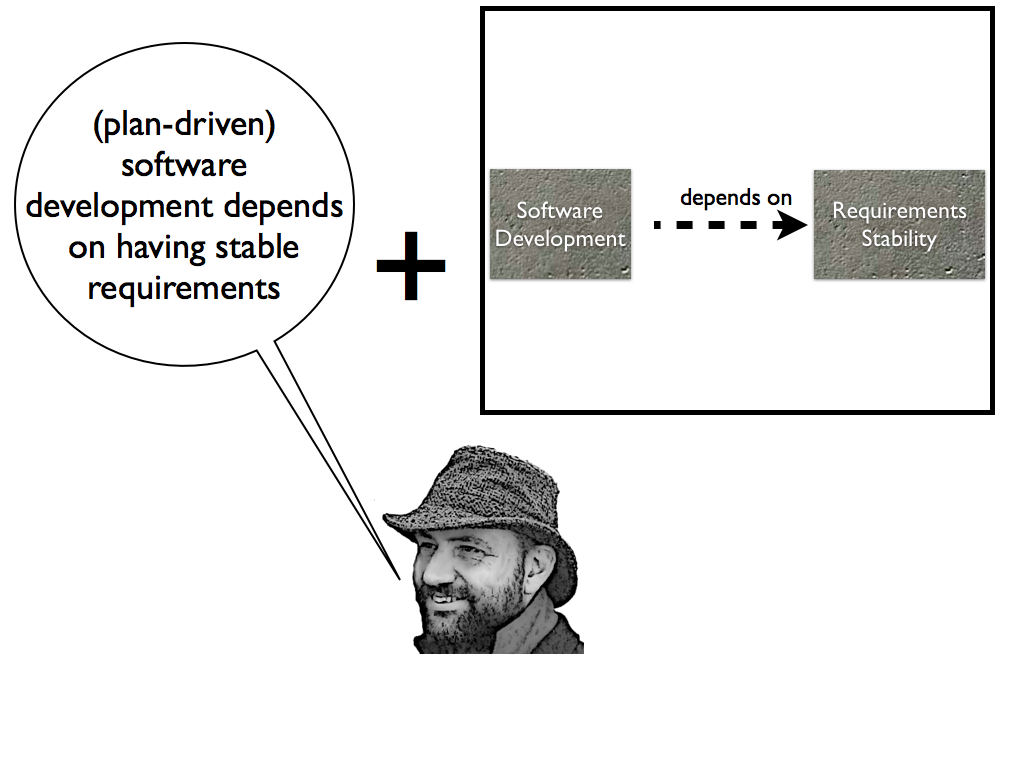
An example here is what I do with the slide after this one. That
slide is very similar to this one, just showing an earlier point in
the build sequence (the point of software development depending on
requirements stability). Most of the time I just use a simple fade
to transition from one slide to another, but in this case I'm
starting to discuss the agile approach to dealing with this
dependency. As a result I do a fancy 3D cube rotation animation, to
illustrate the point that we are changing perspectives into the
agile world-view. Whenever I switch between the plan-driven and
agile world-views in the talk, I do a 3D cube rotate. That
transition is eye-candy, but when used this way I think it's
eye-candy that helps communicate the point I'm making.
I think that since we have animation available to us when doing
presentations, we should use it to enhance the visual channel,
providing I can do this in a way that fulfills the role of the
visual channel. That role is to keep the eyes engaged in an activity
that supports my words without distracting from them.


 Previous Topic